Loot Forge

A merge game I built solo in Unreal Engine 5, boosted with AI and kept in control with Blueprints
- Where
- Independent · Solo build
- When
- 2026
- Tags
- Unreal Engine 5 · UMG · Niagara · Materials · Blueprints · Tooling
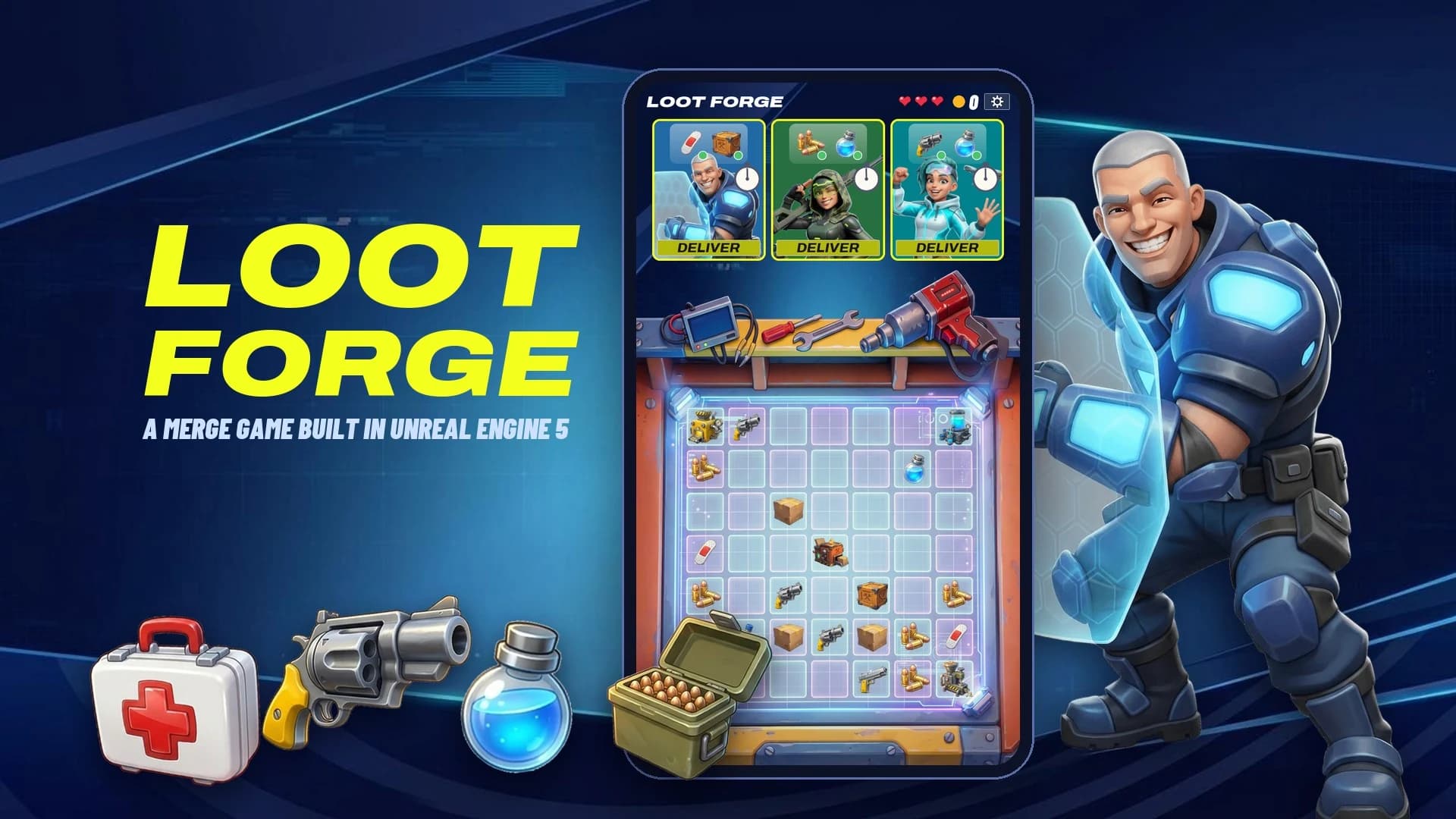
Heroes & orders
Six heroes, each with an order and a clock.
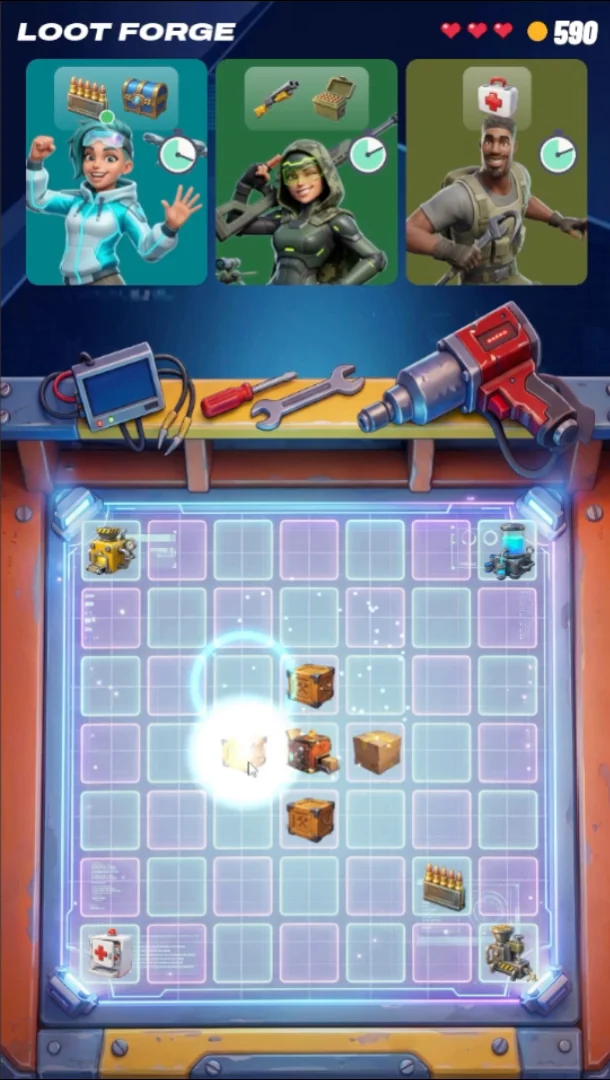
1. Merge
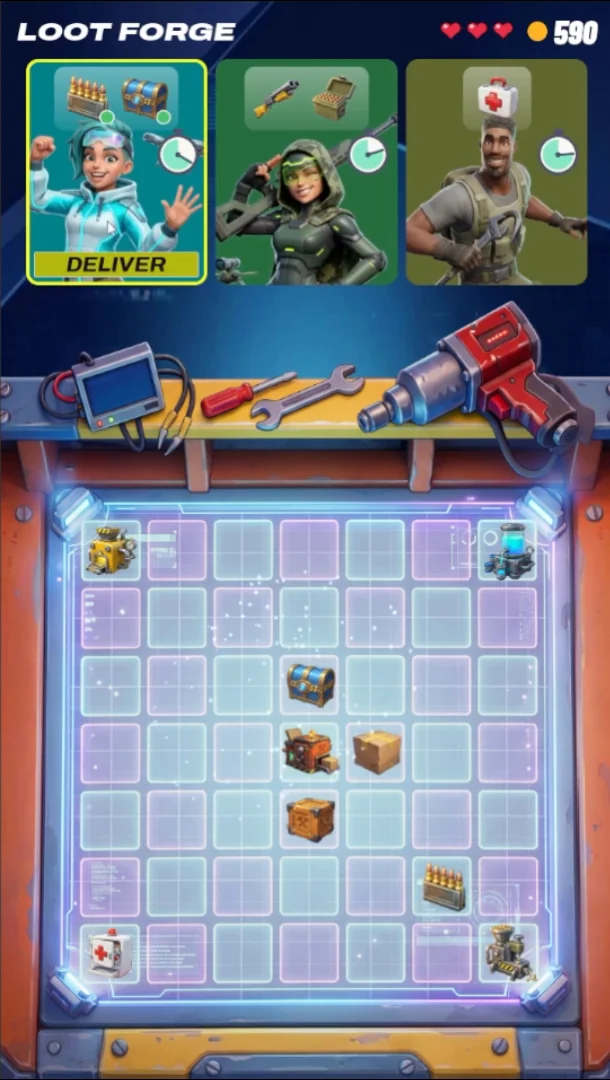
2. Order ready
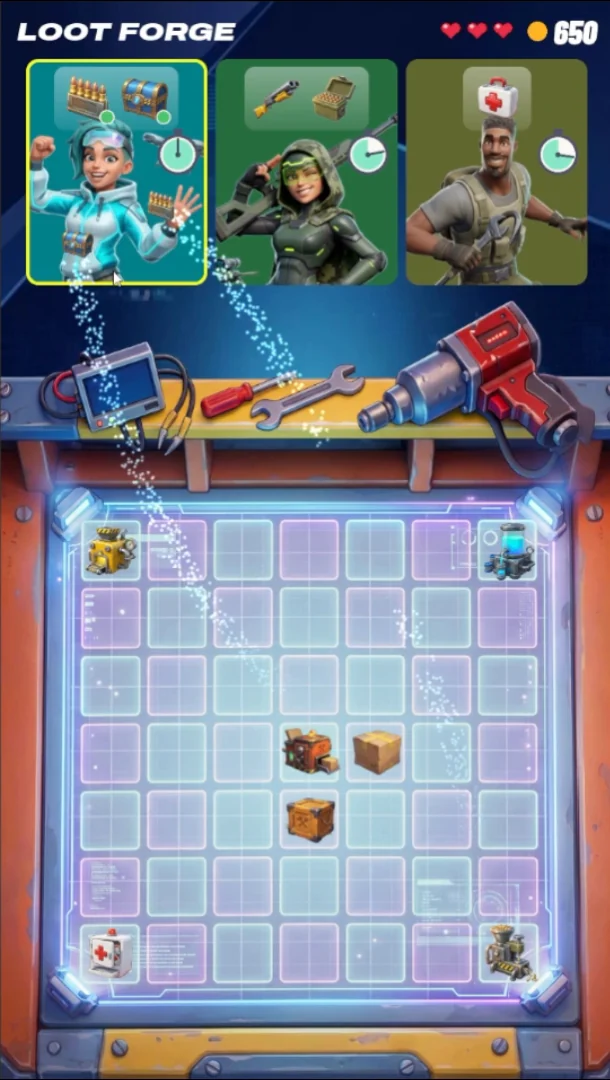
3. Deliver
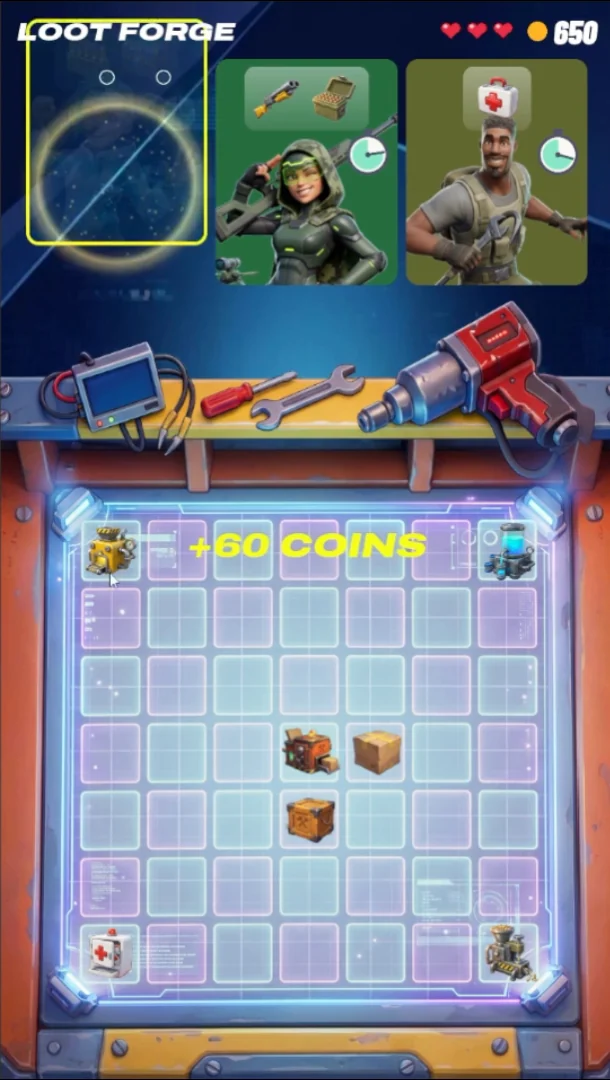
4. Reward
Game feel
Every action answers back.
Materials & shaders
No texture where math does the job. Blueprints pass a number, the shader draws the rest.

M_UI_Stopwatch
Drawn in HLSL, no texture. Progress empties it, Danger turns it red.
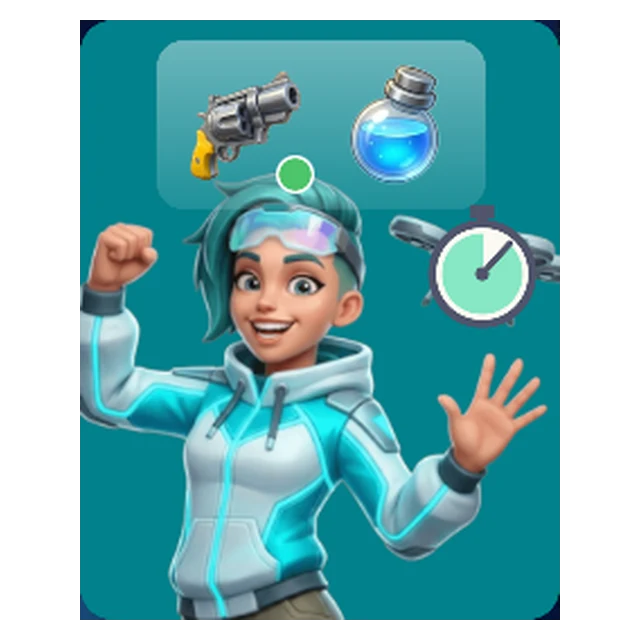
M_UI_HeroCard
Frames each hero in the card and clips it to the rounded corners. One instance per hero.
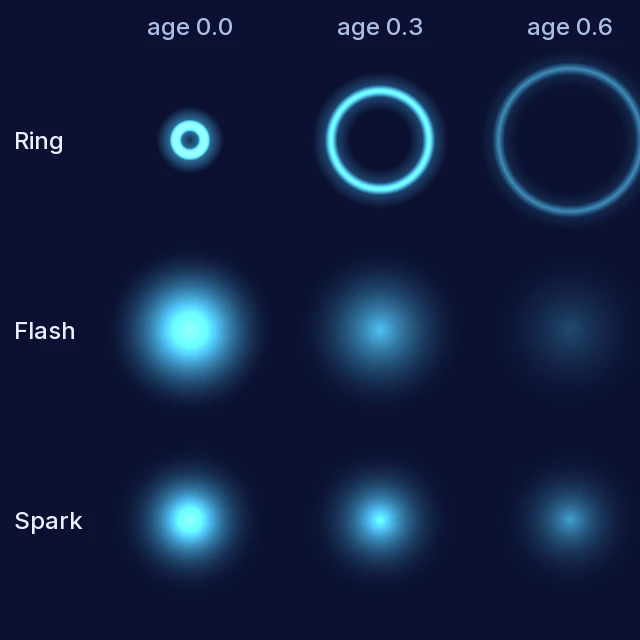
M_FX_Ring · Flash · Spark
Niagara sprites that animate from the particle's age. No curves.
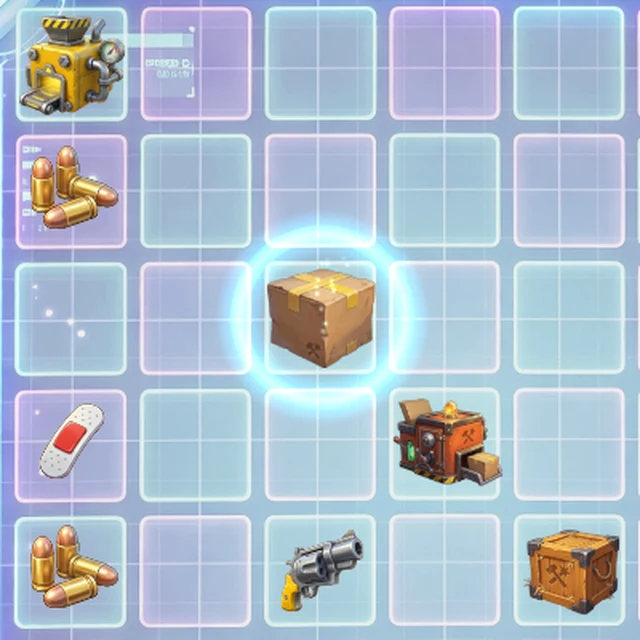
M_UI_FxLayer
Niagara renders off-screen to a render target, and UMG adds it over the board.
UI
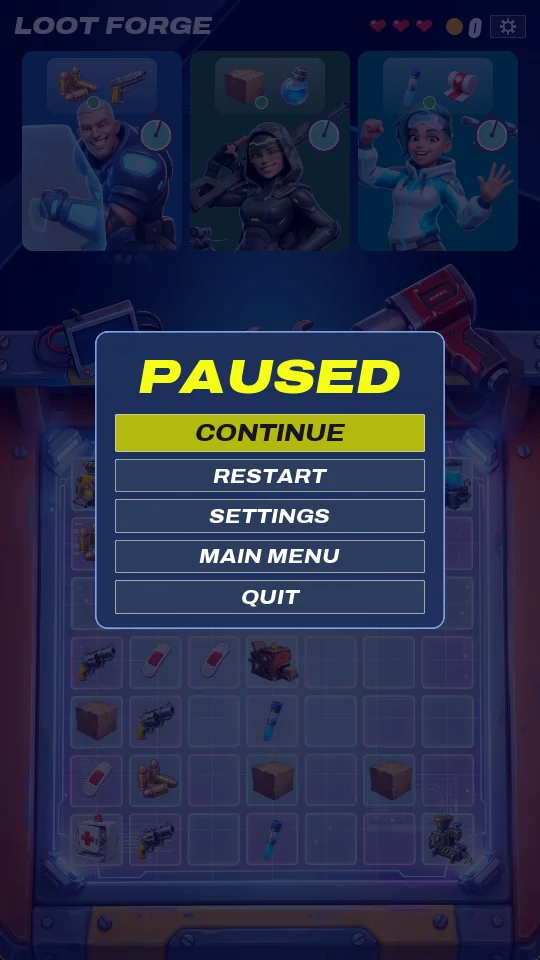
Merge chains
Five chains, five tiers. Rarity colours show value at a glance.
The board
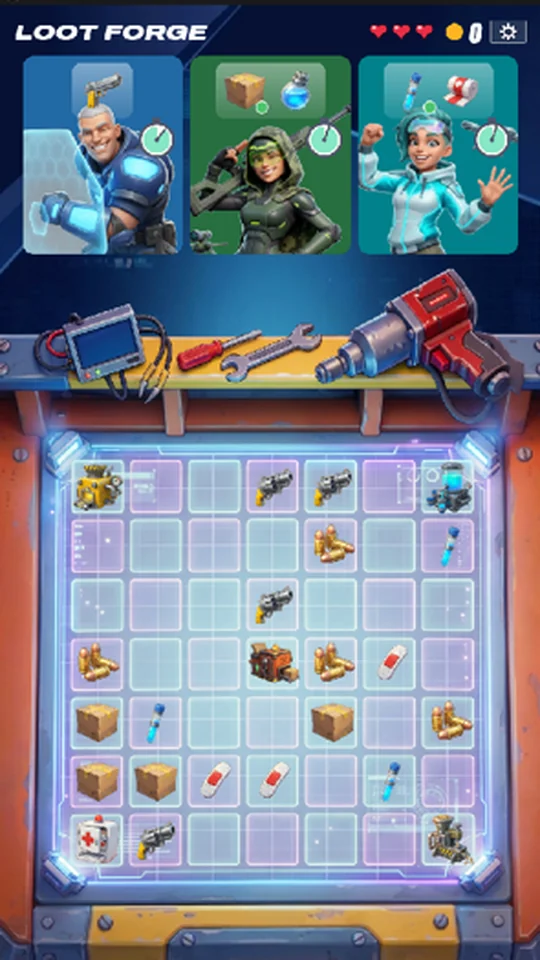
A painted workbench with a UMG grid measured on the art.
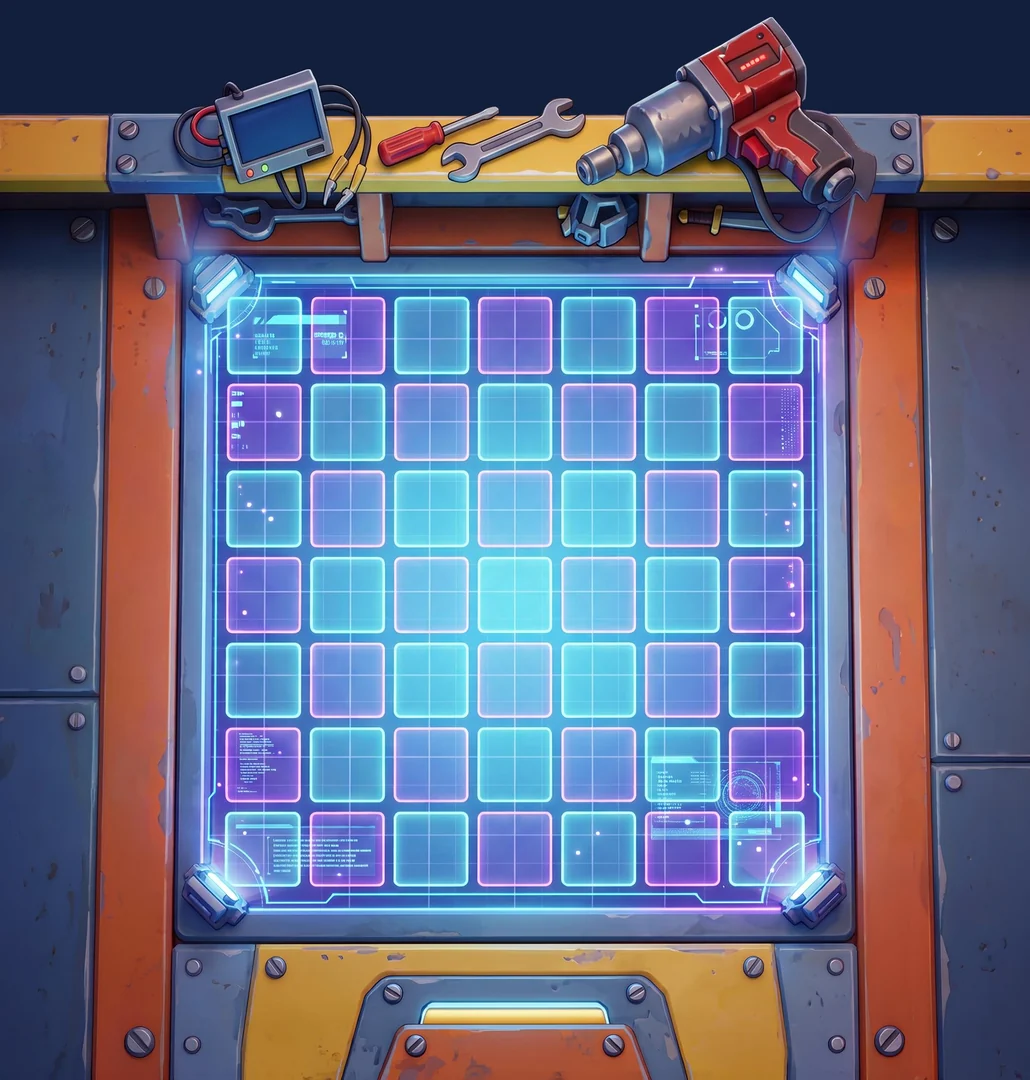
1. Painted board
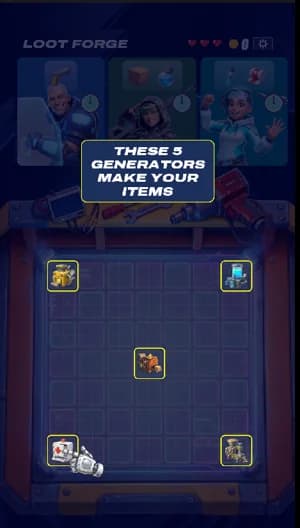
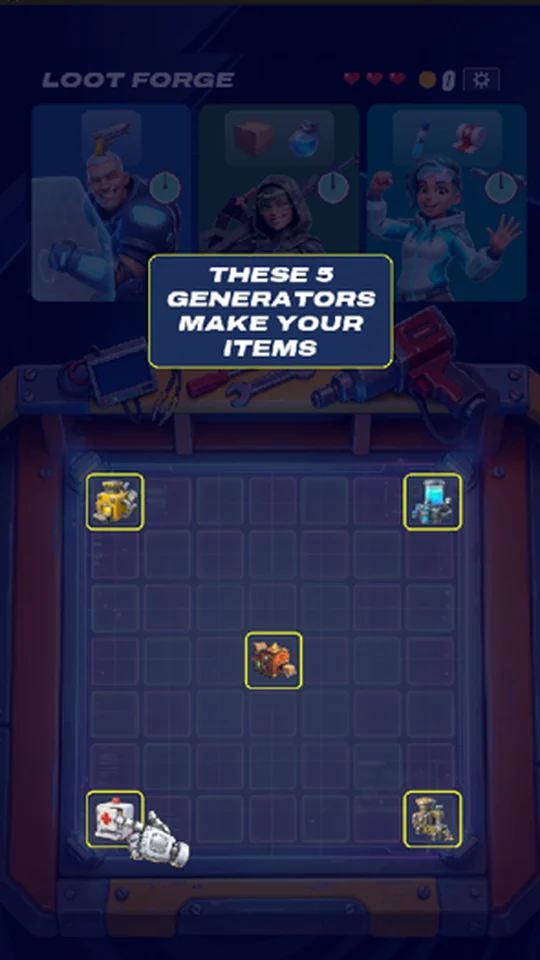
2. Five generators
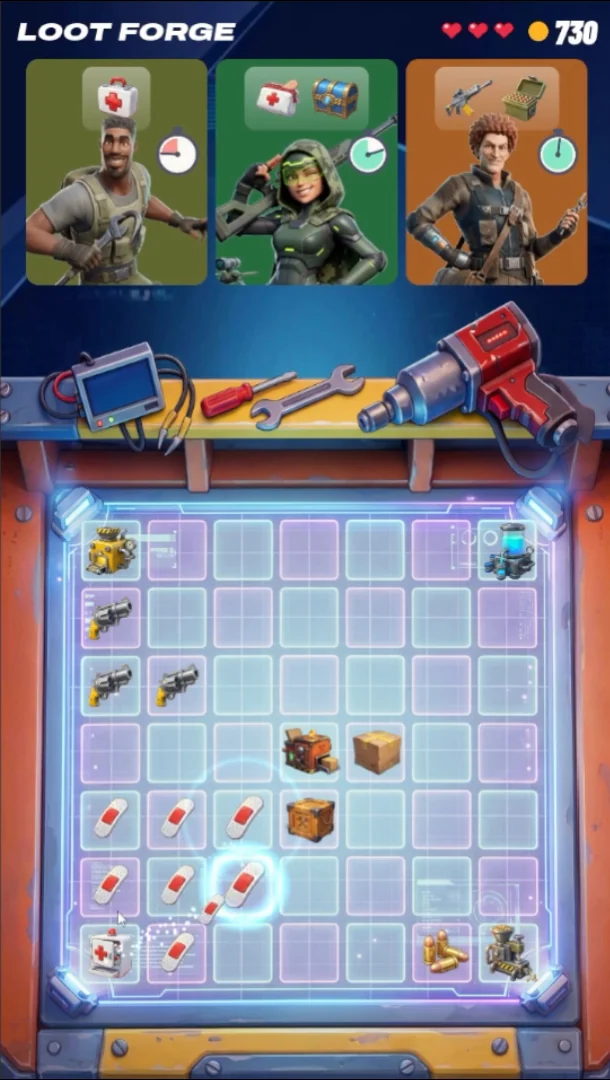
3. Mid-game
Guiding the node flow with AI
Node management can be a demanding task, and it gets more complex as the project grows. So I built this tool to guide the process and find the right node for each task, making it easy to pinpoint and change things when needed. Try one:
- 01
Plan & prototype
Game design, scope limits, early UI and art placeholders.
Design · Prototype - 02
Guided wiring
Screenshot in, wires out.
Blueprints · UMG - 03
Look & feel
AI art for the merge chains, board and characters.
Gemini · Art direction - 04
Logic to C++
Rules in C++, presentation in Blueprints.
C++ · Live Coding - 05
Automate the editor
AI builds materials, Niagara and data.
Python · MCP - 06
Test without hands
Scripted play tests with screenshots.
PIE automation
AI does the heavy lifting. Blueprints keep me in control.